
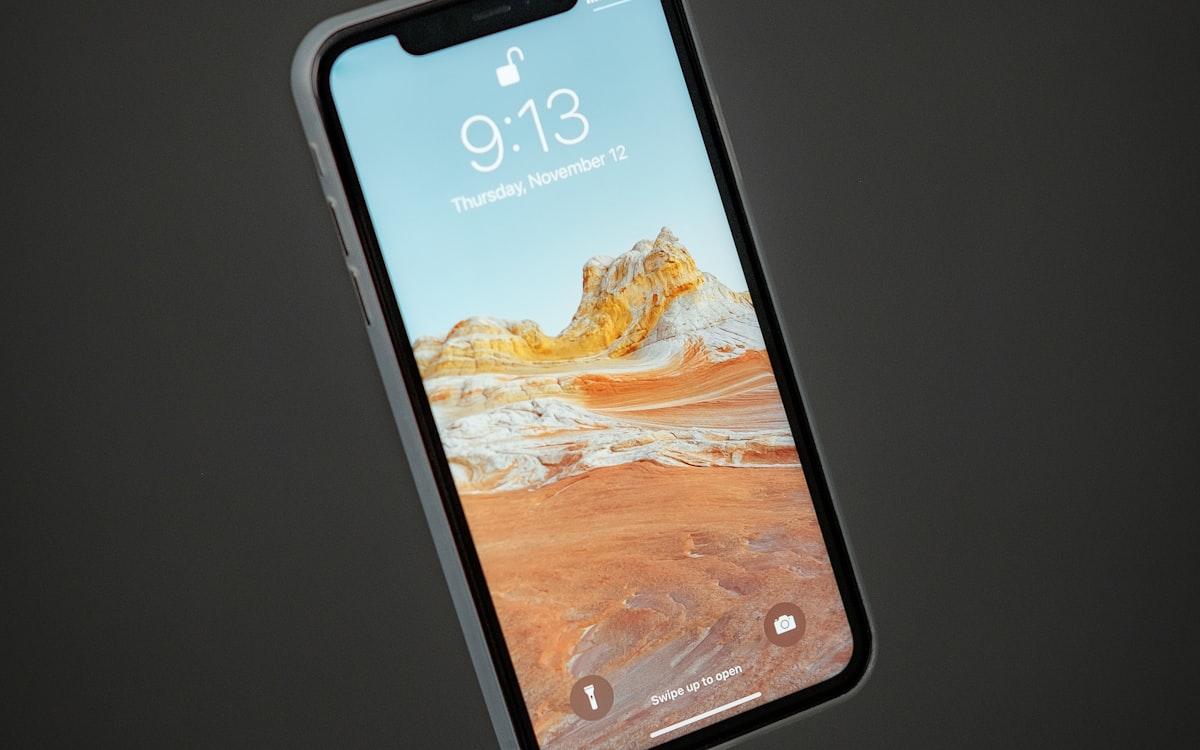
Buying a smartphones is one of those decisions that feels obvious until you start comparing models, and then nothing makes sense. The marketing language across brands is nearly identical, the price spread is wide, and the people you ask all have a different favorite. This guide steps back from the noise and walks through the choices that actually shape how a smartphones fits a household over time.
What you will learn
- Software support years and what it actually means for owning a smartphones
- Battery health and what it actually means for owning a smartphones
- Screen brightness and what it actually means for owning a smartphones
- Storage size and what it actually means for owning a smartphones
- Repairability and what it actually means for owning a smartphones
Start with how you will actually use it
Understanding repairability
Owners who have used a smartphones for several years rate this higher than first time buyers do, because the difference shows up over time rather than at first glance. If you have a choice between two models at similar prices, the one with a clearly described repairability is the safer pick.
eSIM, connectivity, and the SIM tray transition
In 2026 the phone market is midway through a shift away from physical SIM cards. Some flagship models sold in the US ship with no SIM tray at all, while the same model sold in Europe or Asia keeps the tray. This matters if you travel and rely on buying a local prepaid card, or if you switch phones frequently and want to move service quickly.
Before buying, confirm three things with your carrier. First, that eSIM is supported on your current plan without a fee. Some carriers charge $10 to $20 to activate an eSIM profile. Second, that your account supports two lines if the phone advertises dual-eSIM. Third, that transferring the eSIM to a new phone in the future is free rather than a paid service.
Camera claims and what to check yourself
Megapixel counts have grown to 48, 50, and 200 million pixels on modern phones, but the sensor size and lens quality decide image quality far more than pixel count. A 12-megapixel sensor with a large pixel pitch of 1.4 micrometers typically outperforms a 108-megapixel sensor with 0.8 micrometer pixels in low light. Marketing highlights the bigger number because it is easier to understand.
The most useful specs to check are the main sensor size, expressed as a fraction like 1/1.28 inch, and the aperture of the main lens, expressed as f/1.5 or f/2.2 or similar. A larger sensor and a wider aperture, meaning a lower f-number, gather more light and produce cleaner images at night. Compare sensor sizes on any independent database before comparing sample photos, because sample photos are heavily processed and hide the underlying hardware differences.
Total cost across the ownership window
| Line item | Budget phone | Mid-range phone | Flagship phone |
|---|---|---|---|
| Phone purchase | $250 | $650 | $1,200 |
| Case and screen protector | $35 | $55 | $75 |
| Battery replacement year 3 | $50 or discard | $70 | $90 |
| Screen repair, one incident | $100 | $200 | $350 |
| Software support window | 2 to 3 years | 4 to 5 years | 5 to 7 years |
| Cost per supported year | $120 to $150 | $150 to $200 | $200 to $340 |
Longer software support is the quiet economic case for a mid-range or flagship phone. A $250 phone that stops receiving security updates after 2 years costs more per usable year than a $650 phone supported for 5 years, even before the flagship premium.
The first camera guide covers sensor logic in more detail for buyers considering a real camera. Battery and repair questions apply just as clearly to laptops, covered in the first laptop guide. The headphones guide covers codec support and latency, and the running shoes guide touches on GPS-drain during workouts. The Wikipedia article on smartphone history and hardware is a useful reference.
Operating system support windows and what a three, four, or five year phone actually receives
A phone’s useful life is set less by battery health than by the length of time its operating system continues to receive security patches and feature updates. The gap between the shortest and longest support windows on phones sold in 2026 is unusually wide, and buying the right end of that range roughly doubles the practical lifespan.
- Three year support (many mid-range Android handsets): three major OS versions, three years of security patches. A phone bought in 2026 receives its final security update in mid to late 2029. After that, banking apps and some workplace apps begin to refuse installation.
- Four to five year support (mainstream Samsung Galaxy A series, Google Pixel a-series, older iPhones): five OS updates plus five years of monthly security patches. A phone bought in 2026 remains fully supported into 2031.
- Six to seven year support (recent Google Pixel 8 series and later, Samsung Galaxy S series from 2024): seven OS updates and seven years of security patches. A phone bought in 2026 receives updates until 2033.
- Apple, historically five to six years: Apple does not commit to a fixed number of years. In practice, iPhones released between 2015 and 2020 received five to seven years of iOS updates, with the exact number visible only in hindsight.
Two things flow from the number. First, the extra 100 to 300 currency units for a longer-supported model divide across five or six extra years of ownership, which usually works out cheaper per year than replacing a shorter-supported phone twice. Second, the point at which a phone stops receiving security patches is the point at which its resale value falls sharply, from around 40 percent of its purchase price to under 10 percent within a year of the final update.
The specification to check on any Android purchase is the manufacturer’s published update policy, which is now a labelled figure in the specification sheet on Google, Samsung, and several other brands. If the number is absent, assume the shorter end of the range.
Frequently asked questions
How much should a first time buyer spend on a smartphones?
Enough to get past the bottom third of the market, where corners are cut on the parts that fail first. Beyond the middle of the market, the gains become smaller and brand premium plays a larger role.
Is a longer warranty always a sign of better quality?
Often, but not always. Some brands offer long warranties with strict conditions that limit what is actually covered. Read the warranty terms before assuming a longer period means more protection.
Should I buy in store or online?
If you can test the smartphones in person, the in store experience is more useful than reading specifications alone. If the model is only available online, look for sellers with a transparent return policy and shipping that does not punish you for changing your mind.